Workflow management software is usually the first real purchase a growing team makes once spreadsheets and Slack threads stop being enough to track who’s doing what. It’s a genuinely useful category, and for a lot of teams it’s exactly the right tool for exactly the right stage. The real question this post answers isn’t “which workflow management software is best,” it’s the one most comparison articles skip entirely: how do you know when workflow management software itself has stopped being enough?
We work with teams on both sides of that line often enough to give a real, honest answer instead of a generic feature list.
Quick answer: Workflow management software is genuinely the right choice while your team is still configuring and running the workflows yourselves. It stops being enough the moment the real bottleneck shifts from “we need a place to track this” to “we don’t have anyone with the time to keep building and maintaining the automations inside it.” At that point, the honest fix isn’t a different piece of software, it’s handing the actual building and running to someone else.
What’s covered
What workflow management software actually does well
Workflow management software genuinely earns its place for a real, specific reason: it gives a team a shared, visible place to track work moving through real stages, with a level of configurability a spreadsheet simply can’t match. Assign an owner, set a due date, trigger a notification when a stage changes, connect it to a handful of other tools. For a team actively building and maintaining its own processes, workflow management software is a real, solid foundation, not a compromise. Real, current comparisons of workflow management software consistently point to the same core value: a shared, visible system beats scattered spreadsheets and Slack threads for tracking real work.
The honest strength of workflow management software is flexibility. You can reshape a workflow yourself the moment a process changes, without waiting on anyone else. That flexibility is exactly why it’s the right first step for most growing teams, and exactly why it’s worth being honest about where that flexibility eventually runs into a real limit.
Who genuinely benefits most from staying self-managed
Teams with someone who genuinely enjoys the configuration work, treats it as a real part of their role rather than an unwanted extra task, and has actual dedicated hours set aside for it tend to get the most out of workflow management software long-term. If that person exists on your team and has the real bandwidth, staying self-managed with workflow management software is a completely legitimate, often better, choice than bringing in outside help. This isn’t a post arguing everyone should eventually move away from managing it themselves. It’s a post about recognizing honestly when that specific condition (a real person, with real dedicated hours) stops being true.
The real signals you’ve outgrown it
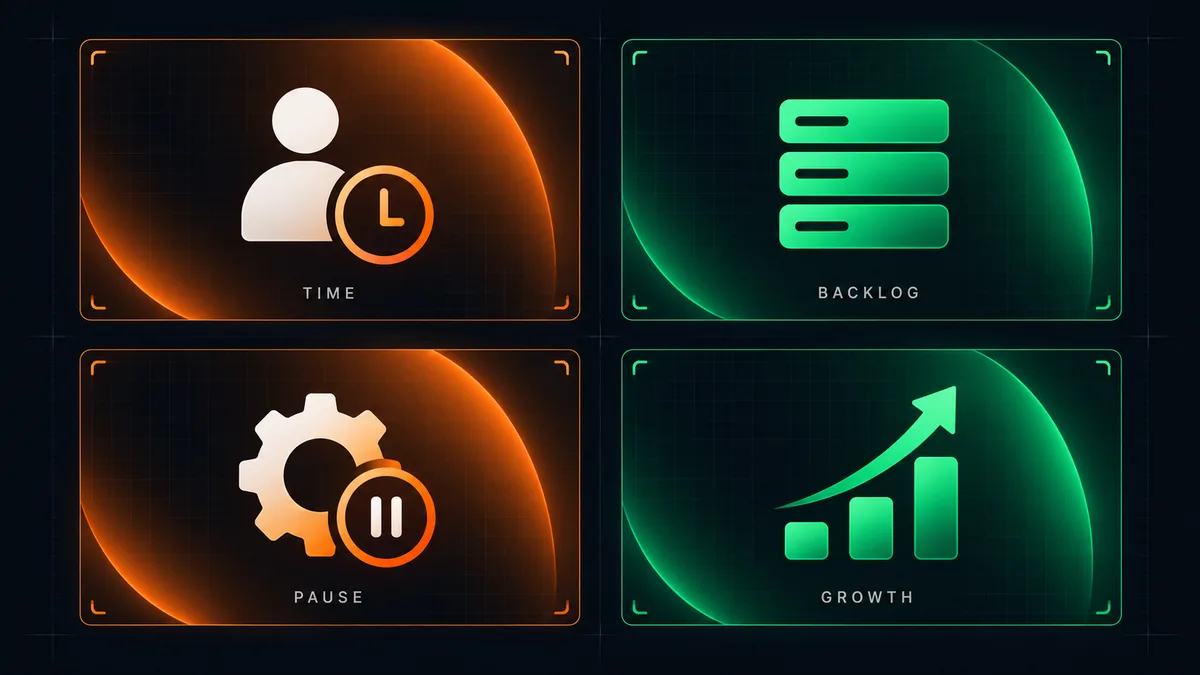
The real signal isn’t the size of your team or how long you’ve used the tool, it’s whether the actual bottleneck has moved. Workflow management software solves “we need somewhere to track this.” It doesn’t solve “nobody has the real time to keep building, testing, and maintaining the workflows inside it.” Watch for these signals specifically:
- The person who originally set up your workflows in the software has left, gotten busier, or genuinely lost track of how half of it works.
- New workflows keep getting added to a real backlog of “we should automate this too” that never actually gets built, because nobody has the free hours.
- You’re paying for workflow management software’s more advanced tiers specifically for automation features that are still sitting unconfigured months later.
- Your team spends more real time discussing how the software should be configured than actually benefiting from what it’s already configured to do.
Workflow management software is a real tool. The genuine constraint it eventually hits isn’t the tool itself, it’s the real human time needed to keep building inside it.
Why this happens even to teams doing everything right
This isn’t a sign of a badly run team. It’s a genuinely predictable pattern: workflow management software has a real learning curve, and the person who climbs it first usually becomes the default owner of every future automation request too, on top of their actual job. That’s sustainable for a while. It stops being sustainable exactly when the number of real workflows worth automating grows faster than that one person’s spare time does, which happens to almost every growing team eventually, not because anyone did anything wrong.
The mistake isn’t choosing workflow management software in the first place, it was the right call at the time. The mistake is assuming the same setup will keep scaling indefinitely without anyone’s real time being added to maintain it.
The quiet drift most teams don’t notice happening
This pattern rarely arrives as one dramatic moment. It shows up as a slow, quiet drift: a workflow that used to get reviewed and improved every month stops getting touched. A new hire asks why a step exists and nobody remembers the original reasoning. A request to automate something new gets a genuine “yes, we should” that never turns into actual work. None of these individually feel like a crisis, which is exactly why the pattern is easy to miss until the real backlog of untouched requests has grown large enough to notice all at once.
Recognizing this drift early, rather than waiting for it to become an obvious, painful problem, is what separates teams that make a smooth transition from teams that only address it after something visibly breaks. Workflow management software itself won’t flag this for you. It keeps running exactly as configured, quietly, whether or not anyone still has the real time to keep improving what’s inside it.
Why this isn’t a failure of the software or the team

It’s worth saying plainly: reaching this point doesn’t mean the original choice of workflow management software was wrong, and it doesn’t mean the team failed to use it properly. It means the team succeeded enough to outgrow the setup that got them here, which is a genuinely good problem to have compared to the alternative of never growing past manual spreadsheets in the first place.
The honest framing that helps most teams move forward is treating this as a normal transition, the same way a business eventually outgrows a single shared inbox or a single spreadsheet for tracking leads. Workflow management software served its real purpose. The next real step isn’t replacing it with a different piece of software, it’s changing who’s responsible for the actual building and maintaining.
What actually changes when you move past it
The real shift isn’t necessarily abandoning workflow management software entirely, many teams keep it running as the system of record while handing the actual building, testing, and maintenance work to a done-for-you partner. What changes is who owns keeping the automations current. Instead of a real backlog of “we should automate this” sitting untouched because nobody has spare hours, new workflows actually get built, tested against real edge cases, and kept working as the business changes, without competing for a busy team member’s already-full week.
This is the same category of work as our Content Automation and Email/Social Outreach services, applied to internal operational workflows instead of external content or outreach. The software itself often stays the same. What changes is that someone whose actual job is building and maintaining automations is doing that work, instead of it being the fifth priority on someone else’s list.
There’s a real, honest cost comparison worth making here, the same one that applies across every category of business automation. Keeping a real employee’s time tied up in workflow management software maintenance is a genuine cost, even when it’s not a separate line item, since that’s real hours not spent on the work that person was actually hired to do. Comparing that real opportunity cost against a done-for-you partner’s fee, rather than treating the partner’s fee as the only cost in the equation, is what makes this an honest comparison instead of a lopsided one.
What a realistic transition actually looks like
A genuine transition starts with a real audit of what’s currently configured in your workflow management software, what’s actually working, what’s half-built, and what’s still sitting on the backlog. From there, a done-for-you partner picks up the real maintenance and the backlog items one at a time, the same one-thing-at-a-time sequencing that applies to every category of business automation. Nothing about this requires ripping out the existing tool or migrating data overnight, and a rushed all-at-once switch is usually the wrong move regardless of which path a team chooses.
The real audit phase matters more than most teams expect going in. It’s common to discover that some workflows configured months or years ago no longer reflect how the business actually operates today, a step references a person who’s since left, a trigger fires on a condition that stopped being relevant after a process changed. Cleaning this up honestly, rather than just layering new automation on top of outdated configuration, is part of what a proper transition actually looks like, not an optional extra step.
Signs the transition itself is going well
A genuinely successful transition shows up as a shrinking backlog, not a growing one. Requests that used to sit untouched for months start actually getting built. The workflows already in place keep working without anyone noticing a change, because the transition happens quietly in the background rather than disrupting daily use. If a transition instead produces confusion about who owns what, or workflows that used to work suddenly breaking, that’s a real signal the transition itself was rushed, not a signal that moving away from self-managed workflow management software was the wrong call.
The honest measure of success here isn’t how sophisticated the resulting system looks. It’s whether the real backlog of “we should automate this” actually gets worked through, and whether it stays small going forward instead of quietly growing again the same way it did before.
What to do next
Look honestly at your own team’s real backlog of unbuilt automations inside your workflow management software. If that backlog keeps growing and nobody has real hours freed up to work through it, that’s the actual signal, not team size or how long you’ve used the tool. If you’d rather have someone pick up the real maintenance and backlog directly instead of waiting for a quiet month that never comes, that’s exactly what a short call is for.
Whichever path you choose, the honest test stays the same: is your workflow management software actually being kept current, with new real requests genuinely getting built, or is it quietly running exactly as it was configured months ago while a real backlog piles up unaddressed in the background? Answering that question honestly, on a real recurring basis rather than once and never again, is what keeps workflow management software an asset instead of letting it slowly become a system nobody fully understands anymore.
Frequently asked questions
Do we have to replace our workflow management software to work with a done-for-you partner?
No. Many teams keep their existing workflow management software as the system of record and simply hand the building and maintenance work to a partner. Replacing the tool itself is a separate decision from who maintains what’s built inside it.
How do I know if my team has actually outgrown workflow management software or just needs better training on it?
If the real gap is knowledge (nobody knows how to use a specific feature), training genuinely solves it. If the real gap is time (everyone understands the tool, nobody has spare hours to build with it), no amount of training fixes that, since the constraint isn’t knowledge, it’s capacity.
Is this only relevant to larger teams?
No. A very small team with one person wearing five hats can hit this exact limit faster than a larger team, since that one person’s time is spread even thinner. Team size correlates with this less than actual available maintenance time does.
What happens to workflows that are already working well in our current setup?
They keep running. A done-for-you partner picking up maintenance doesn’t mean rebuilding what already works, it means the backlog of unbuilt items gets addressed and the working parts get kept current as the business changes, rather than left untouched until something breaks.
Can we go back to managing workflow management software ourselves later if our situation changes?
Yes. This isn’t a one-way decision. Some teams bring maintenance back in-house once they’ve hired someone specifically for that role. The point is matching who owns the work to who actually has the real time for it, at whatever stage the team is at.
The real takeaway: workflow management software is a genuinely good tool, and outgrowing it isn’t a sign anything went wrong. The real signal to watch for isn’t team size or how long you’ve used it, it’s whether your real backlog of unbuilt automations keeps growing because nobody has the time to build them. Once that’s true, the fix isn’t a different piece of software, it’s changing who’s responsible for actually building and maintaining what runs inside it.