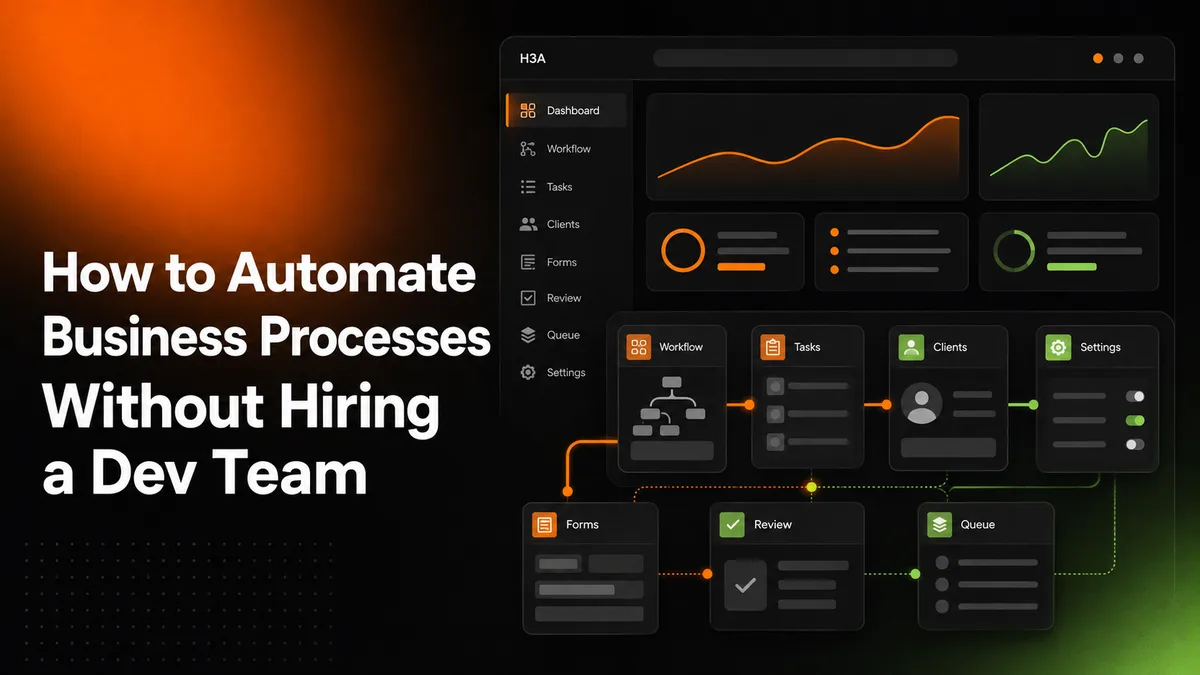
The idea that you need a developer on staff to automate anything real is one of the most persistent myths small business owners run into, and it’s genuinely wrong for most of what they actually need. How to automate business processes without hiring a dev team is a real, answerable question, not a workaround or a compromise version of “real” automation. The tools and approaches that make this possible have matured enough that a dev team is only necessary for a narrower set of cases than most people assume.
We build automation for small businesses that don’t have, and often don’t want, an in-house engineering team, so this is a question we answer with real, tested experience rather than theory.
Quick answer: Yes, you can learn how to automate business processes without hiring a dev team for the vast majority of real small business workflows, using no-code and low-code automation platforms plus done-for-you automation services. A dev team becomes genuinely necessary only when the process requires custom software logic that no existing tool can handle, which is a real but much smaller category than most business owners expect.
What’s covered
Why the “you need developers” myth persists
The myth persists because it used to be genuinely true. A decade ago, connecting two business systems together, or building a workflow that reacted automatically to a customer action, really did require custom code and a developer to write it. That’s no longer the reality for the overwhelming majority of small business processes. No-code and low-code platforms have absorbed most of what used to require custom development, and real documented approaches to automating business processes with no-code tools now cover workflows that would have needed a developer’s time just a few years ago.
The gap between the old reality and the current one is exactly why so many small business owners still assume automation is out of reach without technical hires. Learning how to automate business processes without hiring a dev team starts with unlearning that outdated assumption.
There’s also a real financial reason the myth is expensive to believe. A full-time developer hire is a genuinely large ongoing cost, salary, benefits, management time, that most small businesses simply can’t justify for automating a handful of internal workflows. Even a contract developer charging by the hour adds up quickly once you factor in the back-and-forth of explaining requirements, revisions, and maintenance after launch.
No-code platforms shift that cost structure entirely: instead of paying for custom-built software that only you can maintain, you’re paying a much smaller subscription fee for a tool that a huge number of other businesses are also using, testing, and improving. That shared cost base is a big part of why how to automate business processes without hiring a dev team has become realistic for businesses that could never have justified a developer’s salary.
What actually gets automated once the myth is gone
Once a business owner stops assuming automation requires a developer, the real list of what’s genuinely automatable tends to be longer than expected: lead intake and routing, appointment scheduling and reminders, invoice generation and follow-up, customer onboarding sequences, internal approval workflows, inventory or stock alerts, and recurring reporting that used to mean someone manually pulling numbers into a spreadsheet every week. None of these require custom code. All of them are real, proven no-code automation patterns that businesses run today without a single developer involved.
A real checklist before you start
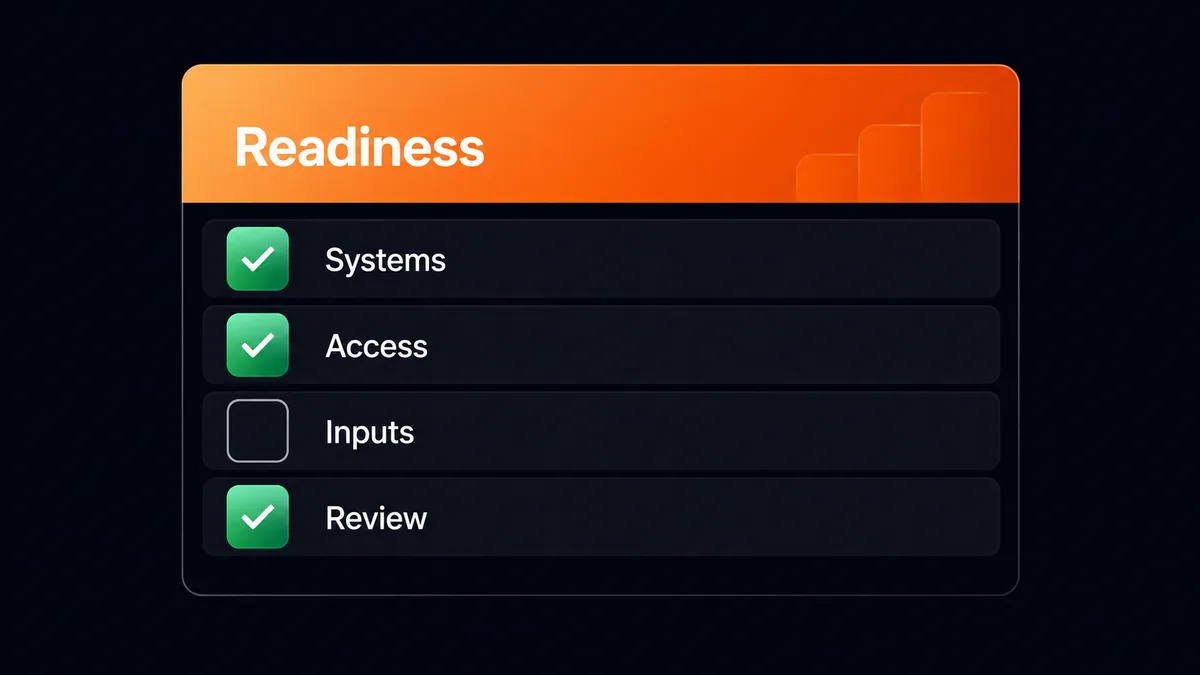
- Write down the actual current process, step by step, before touching any tool. You can’t automate what you haven’t mapped out clearly.
- Identify which steps are genuinely repetitive and rule-based (if X happens, do Y) versus which require real human judgment. Only the first category is a good candidate.
- Check whether the systems already in use (your CRM, your email tool, your spreadsheet) have existing no-code integrations before assuming you need something custom-built.
- Start with one process, not five. A single, genuinely working automation beats five half-configured ones, the same lesson that applies across every kind of business automation.
- Set a real, honest deadline for finishing that one automation, and treat “still testing” as a legitimate status rather than quietly abandoning the project once the initial motivation fades.
- Decide upfront who will own checking on the automation after launch, even if it’s just a five-minute weekly glance, so a quiet failure doesn’t go unnoticed for months.
Each of these steps sounds obvious written out, but skipping any one of them is the real, repeated reason no-code automation projects stall. How to automate business processes without hiring a dev team isn’t a technology problem for most small businesses, it’s a follow-through problem, and this checklist exists specifically to catch the follow-through gaps before they happen.
If a process can be described as a clear rule (“when this happens, do that”), it’s almost always a real no-code automation candidate, not a custom-development project.
When you genuinely do need a developer
There’s a real, honest boundary here, and pretending it doesn’t exist would be dishonest. If your process requires genuinely custom logic (a proprietary calculation unique to your business, a workflow that has to interact with a legacy system with no existing integration, or software that doesn’t exist yet in any form), that’s a real developer project, not a no-code one. This is a smaller category than most business owners fear, but it’s a real one, and part of learning how to automate business processes without hiring a dev team is honestly recognizing when that line has actually been crossed.
A useful real test: if you can explain the process to a new employee in a single conversation using plain rules (“when a customer submits this form, send them this email and add them to this list”), it’s a no-code candidate. If explaining it requires diagrams, exceptions on top of exceptions, or a genuinely unique calculation nobody else needs, that’s a real signal you’ve crossed into custom-development territory. Most small businesses discover, once they actually map their processes out, that the vast majority land in the first category and only a rare edge case lands in the second.
It’s also worth being honest that this boundary can shift over time. A process that’s a real no-code fit today might genuinely need custom development later, once the business scales to a volume or complexity the no-code tool wasn’t built for. That’s not a failure of the original approach, it’s just a normal part of a business growing past what a general-purpose tool was designed to handle, and it’s a real, separate decision to make when it actually happens rather than something to plan around in advance.
The real approach that actually works
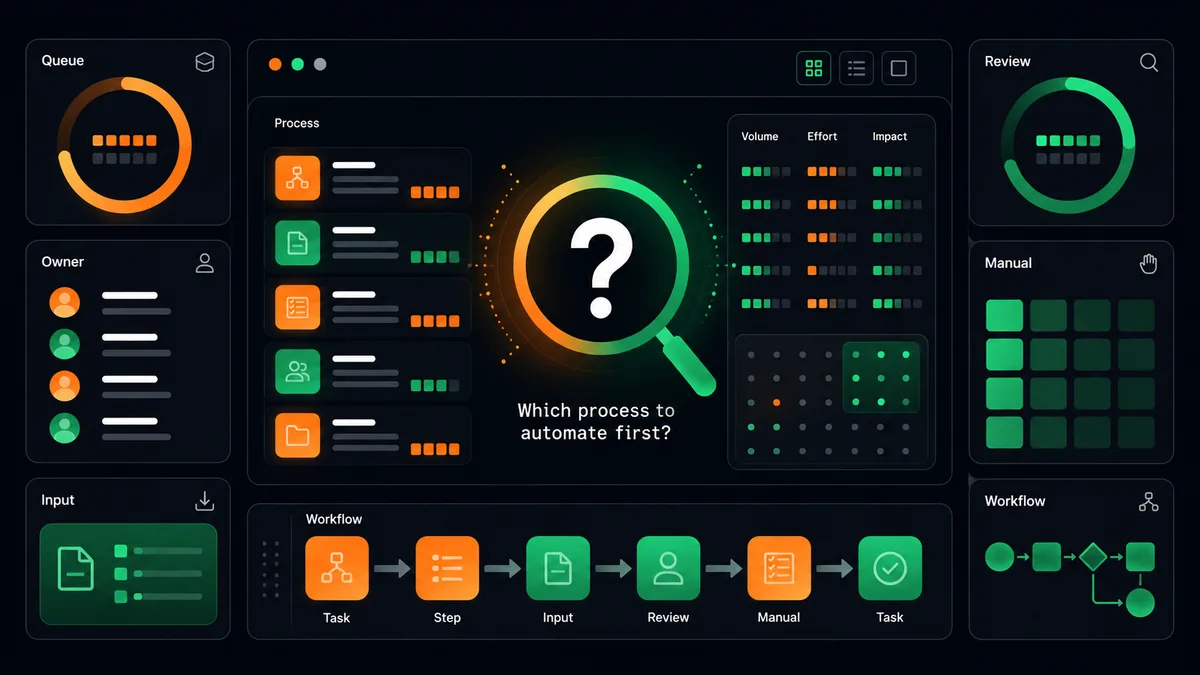
Answering these three real questions in order is what actually determines whether a no-code automation ends up genuinely reliable or just technically switched on. Skipping straight to picking a tool before mapping the real task is the most common reason how to automate business processes without hiring a dev team ends up harder than it needed to be.
What’s actually eating your time right now?
The most useful starting question isn’t “what can be automated” in the abstract, it’s “what task do I or my team repeat every single week that follows a clear, describable rule.” That real, specific answer is a far better starting point than browsing a list of automation platform features.
Which no-code tool actually fits that specific task?
Different platforms genuinely specialize in different things: some are built for connecting apps together, some for internal workflow automation, some for customer-facing automated sequences. Matching the tool to the real task, rather than picking whichever platform is most heavily marketed, is what determines whether the setup actually holds up.
Does it survive a real week of actual use?
A no-code automation that works in a demo but breaks the first time a real edge case appears (a customer with an unusual order, a typo in a form field) isn’t actually done yet. Testing against genuinely messy real-world input, not just the clean happy path, is what separates a finished automation from one that just looks finished.
Is it documented well enough that someone else could maintain it?
A common real failure mode is an automation that only the person who built it actually understands. If that person leaves or gets busy, the automation quietly becomes a black box nobody wants to touch. Writing down, even briefly, what triggers the automation and what it does at each step is a small real investment that protects the whole point of learning how to automate business processes without hiring a dev team in the first place: reducing dependency on any single person, technical or not.
Doing it yourself versus having it done for you
Learning how to automate business processes without hiring a dev team doesn’t mean you have to become the one who builds it. No-code tools removed the requirement for a developer, but they didn’t remove the requirement for real setup time, and that time still has to come from somewhere. Doing it yourself makes sense if you genuinely enjoy learning the tools and have real hours free. Done-for-you automation, the category our own Content Automation and Email/Social Outreach services sit in, exists for the business owner who wants the real outcome without becoming the one configuring workflows on evenings and weekends.
Either path answers the same underlying question honestly: no, you don’t need a dev team for most of this, but you do need someone, whether that’s you or a done-for-you partner, to actually finish the setup rather than leaving it half-built.
A realistic timeline for either path
Whether you build it yourself or bring in a done-for-you partner, the same real phases apply: mapping the actual current process honestly, choosing the right tool for that specific task rather than the most popular one, building and connecting the actual workflow, then testing it against genuinely messy real-world input before trusting it to run unattended.
Doing this properly for one real process typically takes one to three weeks depending on how many systems it touches, not the single afternoon a platform’s marketing page might imply. Rushing this timeline is exactly how a no-code automation ends up half-working, since the testing phase against real edge cases is what most owners skip when they’re in a hurry, and it’s the phase that actually determines whether the automation holds up in production.
How this scales as more processes get automated
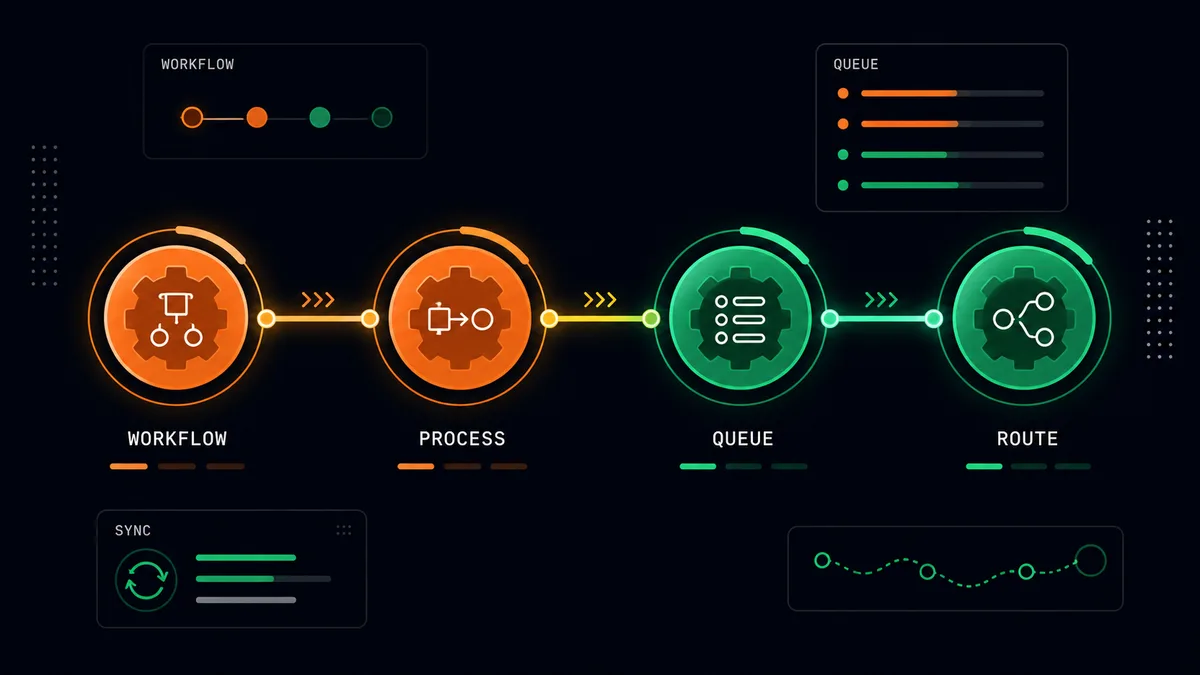
Once one process is genuinely automated and proven reliable, the natural next step is picking the second-most time-consuming repetitive task and applying the same real approach to it. Businesses that do this consistently, one finished process at a time rather than trying to automate everything simultaneously, tend to end up with a real, connected system of automations that actually holds together, instead of a collection of half-configured tools that nobody fully trusts. This is the same sequencing discipline that applies to marketing automation and any other category of business automation: finish one thing before starting the next.
What to do next
Pick the single task eating the most real time this week, map the actual steps honestly, and check whether a no-code tool already covers it before assuming you need custom development. If you’d rather skip the tool-comparison research entirely and have someone who already knows how to automate business processes without hiring a dev team just build it for you, that’s exactly what a short call is for.
Frequently asked questions
Is it actually possible to automate business processes without hiring a dev team for a growing business, not just a tiny one?
Yes. How to automate business processes without hiring a dev team applies at real scale too, since the no-code platforms that make this possible are genuinely built to handle growing transaction volumes and more complex rule sets, not just simple one-off tasks. Businesses well past the startup stage still successfully learn how to automate business processes without hiring a dev team as they grow, not just at the very beginning.
What’s the real risk of a no-code automation compared to custom-built software?
The genuine risk is platform dependency: if the no-code tool changes its pricing or shuts down, the automation built on it needs to move. That’s a real tradeoff worth knowing about, though it’s rarely a reason to avoid no-code automation for a process that doesn’t need custom logic in the first place. Weighing this tradeoff honestly is part of the real decision process behind how to automate business processes without hiring a dev team.
How do I know if my process is too complex for a no-code tool?
If you can describe the process as a clear set of if-this-then-that rules without any genuinely custom calculation or proprietary logic, it’s almost always a real no-code candidate. Complexity in the number of steps isn’t the same as complexity that requires actual custom code, and most processes that feel complicated at first turn out to be a real fit once mapped out clearly.
Can I combine no-code automation with a done-for-you service?
Yes, and that’s genuinely common. A business might handle simple internal automations itself while bringing in a done-for-you partner for a more involved workflow like outreach or content, rather than treating it as an all-or-nothing choice between the two approaches.
Does learning how to automate business processes without hiring a dev team require a technical background?
No. The real skill required is clearly mapping out the existing process, not writing code. Most modern no-code platforms are genuinely designed for someone without a technical background to configure once the process itself is clearly understood, which is exactly why how to automate business processes without hiring a dev team has become a realistic path for so many small business owners.
The real takeaway: how to automate business processes without hiring a dev team is a genuinely solvable question for the overwhelming majority of small business workflows. The honest boundary where a developer is actually needed is smaller than most owners assume, and for everything on the other side of that line, the real bottleneck is setup time and clear process mapping, not technical hiring.