Document workflow automation is one of those categories every small team eventually bumps into, usually the moment a contract sits in someone’s inbox for four days waiting on a signature, or an invoice gets approved twice because nobody could tell it had already been approved once. The real question isn’t whether document workflow automation exists, it’s whether it’s actually worth setting up for a team small enough that everyone still knows everyone else’s job.
We get asked this by small teams often enough to have a real, honest answer instead of a sales pitch dressed up as one.
Quick answer: Document workflow automation is genuinely worth it for a small team once a document (a contract, an invoice, an approval form) regularly sits waiting on one specific person for more than a day. Below that threshold, the real cost of setting it up properly can outweigh the real time it saves. Above it, document workflow automation pays for itself quickly, since the cost of a stalled document is rarely just the delay itself, it’s everything downstream that’s waiting on it.
What’s covered
What document workflow automation actually is
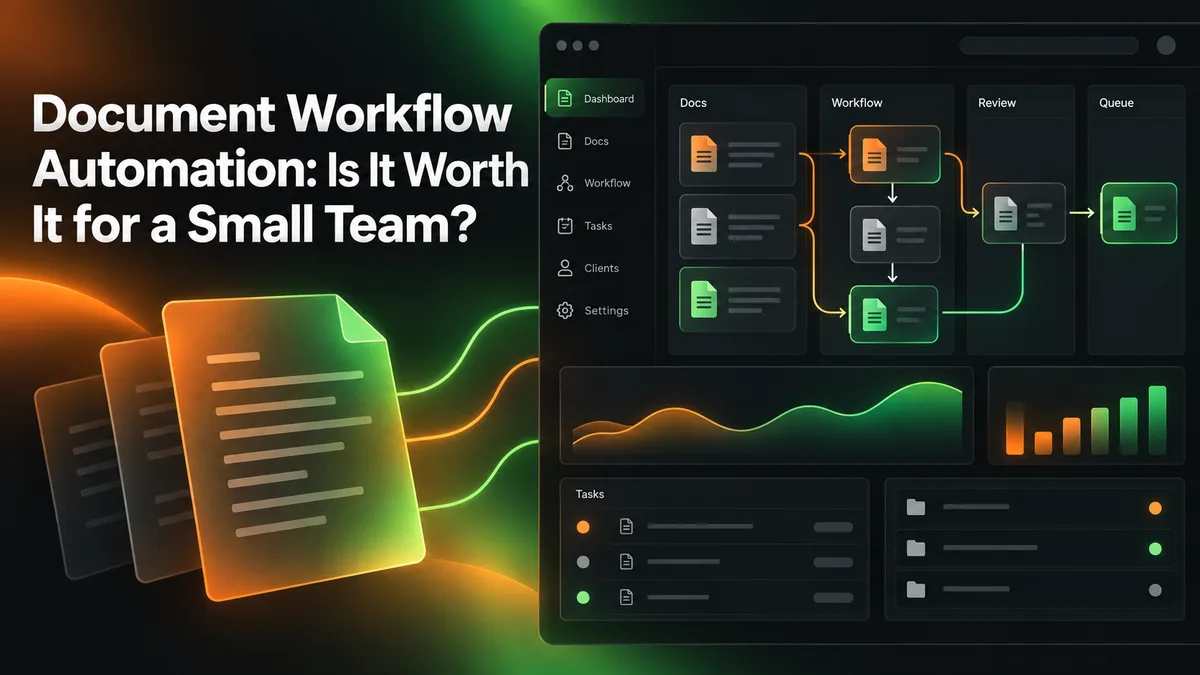
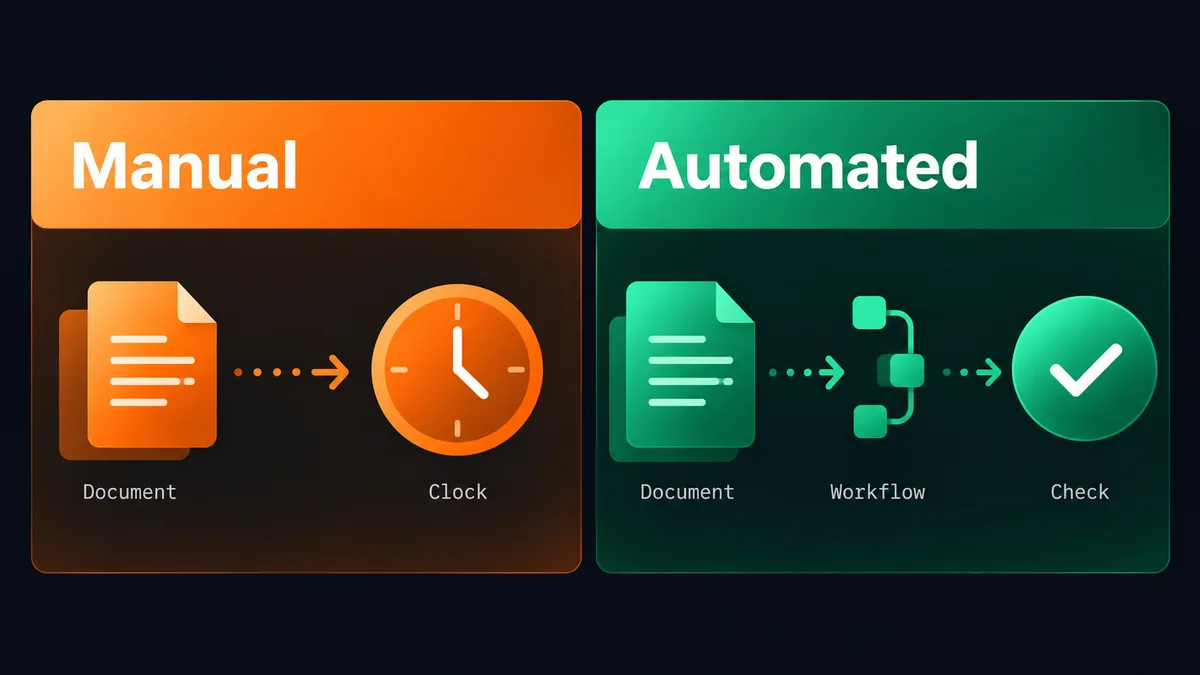
Document workflow automation is the real, specific practice of routing a document (a contract, an invoice, an onboarding form, an approval request) through its actual steps automatically, rather than someone manually forwarding it, chasing a signature, or reminding a colleague it’s still sitting in their queue. It’s a genuinely narrower category than general business process automation. It’s specifically about documents moving through real, definable stages: drafted, reviewed, approved, signed, filed.
For a small team, the real version of this rarely looks like an enterprise document-management platform. It’s usually a handful of clear rules: when a contract is drafted, it automatically routes to the right approver; when it’s approved, it automatically moves to signature; when it’s signed, it automatically files itself and notifies whoever needs to know. That’s document workflow automation in its real, practical, small-team form, not a complex enterprise rollout.
There’s a real distinction worth drawing between document workflow automation and simple file storage. A shared drive with folders is real organization, but it’s not automation, since nothing actually moves the document forward on its own. Document workflow automation specifically means the document’s real status changes, and the right person gets notified, without a human having to manually push it to the next stage every single time. A lot of small teams already think they have this solved with a well-organized shared folder, when what they actually have is just a well-organized place for documents to still sit and wait.
What actually triggers a step in a real document workflow
A genuinely useful document workflow automation is built around real, observable events, not vague intentions. A form gets submitted. A field gets marked approved. A signature gets completed. Each of those is a clear, detectable trigger that a real automation can act on. The more a business tries to build triggers around something fuzzy, a general sense that “it’s probably ready,” the less reliable the automation becomes, since fuzzy triggers eventually misfire or fail to fire at all. Getting this right from the start is what separates document workflow automation that survives a real, busy week from one that quietly breaks the first time something unusual happens.
The real signals it’s worth it
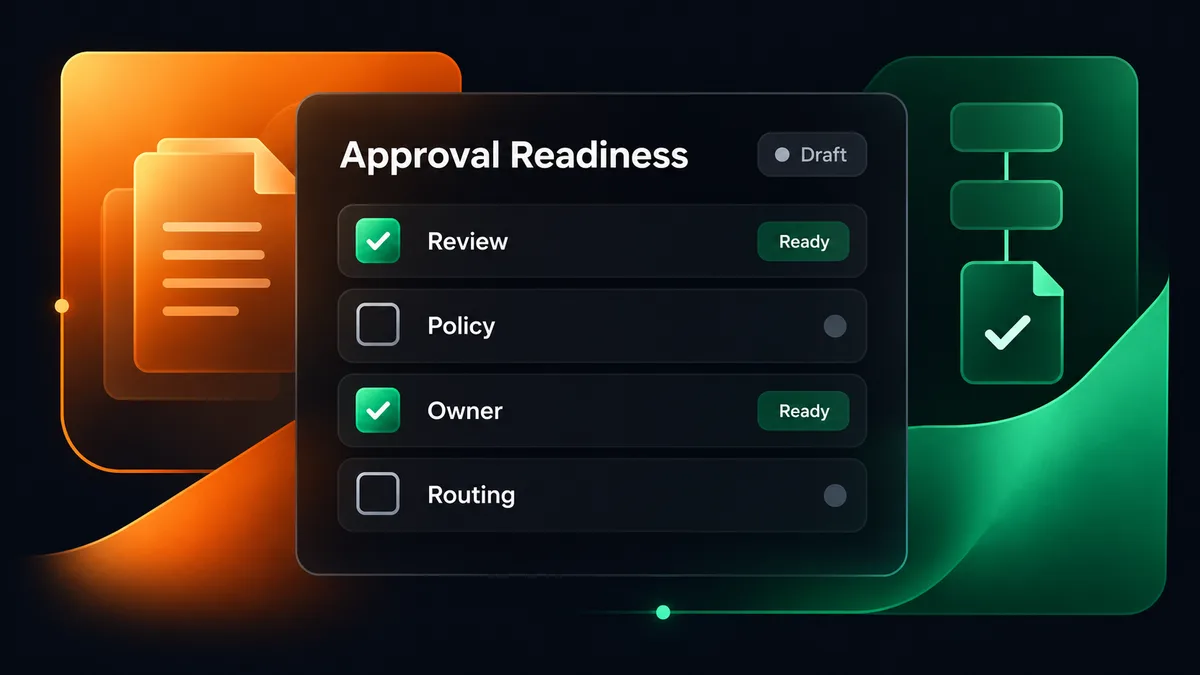
- A document regularly sits waiting on one specific person for more than a day, and other work is genuinely blocked behind it.
- Someone on the team spends real, recurring time each week just checking on document status rather than doing anything that actually moves the document forward.
- The same type of document (a contract, an invoice approval) follows a real, repeatable set of steps every single time, not something that changes case by case.
- A document has genuinely gotten lost, duplicated, or approved twice because nobody could see its real current status at a glance.
If two or more of these are genuinely true for your team, document workflow automation is very likely to pay for itself quickly. If none of them are true yet, it’s honestly not the right time, and that’s a real, legitimate answer, not a hedge.
The real trigger for document workflow automation isn’t team size, it’s whether a document’s real path through your business is repeatable enough to describe as a clear set of rules.
The hidden cost of a stalled document
A contract sitting unsigned for four extra days doesn’t just cost four days. It costs whatever was waiting on that signature: a project that can’t start, a hire that can’t be onboarded, a vendor payment that can’t go out. The real cost of a stalled document is almost always bigger than the delay itself, because a document rarely sits in isolation, it sits at the front of a real chain of downstream work.
This is why document workflow automation earns its keep faster than most people expect once it’s genuinely needed. The time saved isn’t just the minutes spent chasing a signature, it’s every real downstream task that was quietly waiting behind that one document.
What this actually costs in real time, not just delay
A team that spends real, recurring chunks of the week chasing document status, a nudge here, a follow-up there, a status check for someone who asks “did that get approved yet,” is spending genuine hours on something that produces zero real output. None of that time moves the document forward. It’s pure overhead sitting on top of the actual work, and it repeats every single week the process stays manual. Document workflow automation doesn’t eliminate the work the document itself requires, but it removes the chasing entirely, since the system notifies the right person automatically rather than requiring someone to go looking.
The real comparison worth making isn’t “automation versus doing nothing,” it’s “automation versus continuing to pay someone’s real time to manually track status every single week.” Once that comparison is made honestly, document workflow automation usually looks less like a nice-to-have and more like a straightforward fix for a cost the business is already quietly paying, just paying it in scattered minutes instead of one visible line item.
When it’s genuinely not worth it yet
If your team handles maybe one or two of a given document type a month, and nothing is genuinely stalling behind it, document workflow automation is a real solution to a problem you don’t actually have yet. Setting one up still takes real time to map the process and configure the rules, and for genuinely low volume, that setup time may never fully pay itself back. The honest move here is to wait until volume or real friction actually shows up, not to automate on the assumption it eventually will.
There’s also a real difference between a document process that’s genuinely repeatable and one that only looks repeatable on the surface. If every contract needs a meaningfully different negotiation path, or every approval depends on a judgment call rather than a clear rule, document workflow automation will either force a false rigidity onto a process that needs real flexibility, or it’ll need so many exceptions built in that it stops being simpler than doing it manually. Being honest about which category your real documents fall into is the single biggest factor in whether this is worth building at all.
A real mistake: automating the wrong document type first
Small teams often reach for document workflow automation on whichever document type feels most annoying in the moment, rather than the one that’s actually most repeatable and highest volume. A document type that comes through once a quarter but feels frustrating every time it happens isn’t a good first candidate, even if it’s the one everyone complains about most. The better real starting point is the document type that shows up most often with the clearest, most consistent real path, since that’s where the setup effort pays back fastest and where the automation gets the most real testing before anything higher-stakes gets automated on top of it.
A real mistake: skipping the “what happens when it breaks” question
A document workflow automation that works perfectly on the happy path but has no real answer for what happens when an approver is unreachable, or a document gets rejected and needs to loop back, isn’t actually finished. These aren’t edge cases to worry about later, they’re a real, regular part of how documents actually move through a business. Building a genuine fallback path (an escalation after a real time window, a clear rejection-and-revise loop) before calling the automation done is what separates document workflow automation that survives a real month of use from one that quietly gets worked around the first time something unusual happens.
Setting it up yourself versus having it done for you
Document workflow automation is genuinely achievable with a self-serve no-code platform if you have real hours to map the process and test it against actual messy documents, not just the clean happy path. Done-for-you automation exists for the more common real situation: a small team that knows exactly which document keeps stalling but doesn’t have a free week to build and test the fix themselves.
This is the same category of work as our Content Automation and Email/Social Outreach services, applied to internal document movement instead of external content or outreach: the process gets mapped, built, tested against real edge cases, and handed over already running, rather than left as a half-finished project competing for attention with everything else on a small team’s plate.
The honest tradeoff is the same one that shows up across every category of business automation: doing it yourself costs real time, having it done for you costs a real fee. Neither is automatically the wrong choice. A team with a genuinely quiet month and someone willing to learn a no-code platform can build document workflow automation themselves and it’ll work fine. A team without that quiet month, or without anyone who wants to become the person who owns the automation platform going forward, is usually better served paying for the outcome directly.
A realistic timeline either way
Mapping the real current document path honestly takes real time, usually a few days of actually watching where documents get stuck rather than guessing. Building the rules and connecting the systems is the next phase, followed by testing against genuinely messy real documents (an approver who’s out sick, a contract that needs one extra review step this one time) before trusting it to run unattended. A realistic full build, whether done yourself or by a done-for-you partner, is two to three weeks for one real document type, not a single afternoon.
What to do next
Look honestly at whether a real document is stalling regularly in your business right now, and whether that stall has a genuinely repeatable shape. If it does, document workflow automation is very likely worth building. If you’d rather have someone map it, build it, and test it for you instead of learning a new platform yourself, that’s exactly what a short call is for.
Whichever path you choose, the honest sequencing rule stays the same across every category of business automation: pick the one real document type causing the most genuine friction, finish that automation properly, and only then decide whether a second document type deserves the same treatment. Document workflow automation built this way compounds into a genuinely reliable system over time. Document workflow automation attempted all at once, across every document type simultaneously, tends to produce several half-finished automations that nobody fully trusts, which defeats the entire point of building it in the first place.
Frequently asked questions
Does document workflow automation replace the need for e-signature tools?
No, it usually works alongside them. Document workflow automation handles the real routing and status tracking (who has it now, what happens once it’s approved), while an e-signature tool still handles the actual signing step. The two work together rather than one replacing the other.
How many document types should a small team automate at once?
One, genuinely finished, beats several half-configured. The same sequencing discipline that applies to marketing automation and process automation generally applies here: prove the first document workflow automation actually holds up before starting a second one.
What happens when a document needs an exception to the normal rule?
A well-built document workflow automation includes a real, deliberate escape hatch (a manual override, a flag for human review) for the genuine exceptions, rather than either blocking the exception entirely or silently letting it bypass the process. Building that escape hatch in from the start is part of doing document workflow automation properly.
Is document workflow automation only relevant to legal or finance documents?
No. Any document that follows a real repeatable path (an onboarding form, a vendor approval, an internal request) is a genuine candidate. Legal and finance documents get mentioned most often simply because they tend to have the clearest, most rigid real approval chains, not because the category is limited to them.
Can document workflow automation be added to an existing done-for-you automation setup?
Yes. If a business already has another automation running, document workflow automation is a real, natural next addition once the first system has genuinely proven itself, following the same one-thing-at-a-time sequencing that applies across every category of business automation.
The real takeaway: document workflow automation is worth it for a small team the moment a document’s real path is both repeatable and genuinely causing downstream delay, not before. Getting that honest read right matters more than any specific tool or platform choice, and it’s the difference between an automation that pays for itself quickly and one that solves a problem you didn’t actually have yet.